
本文详细介绍VMware 16.1 安装、CentOS 7 虚拟机搭建、磁盘分区及 XShell 远程连接完整流程,提供激活码、镜像下载、分区方案与默认账号密码,按步骤即可快速搭建 Linux 实验环境。
前置下载安装包省略,最好去官网下载
- 接受许可,下一步
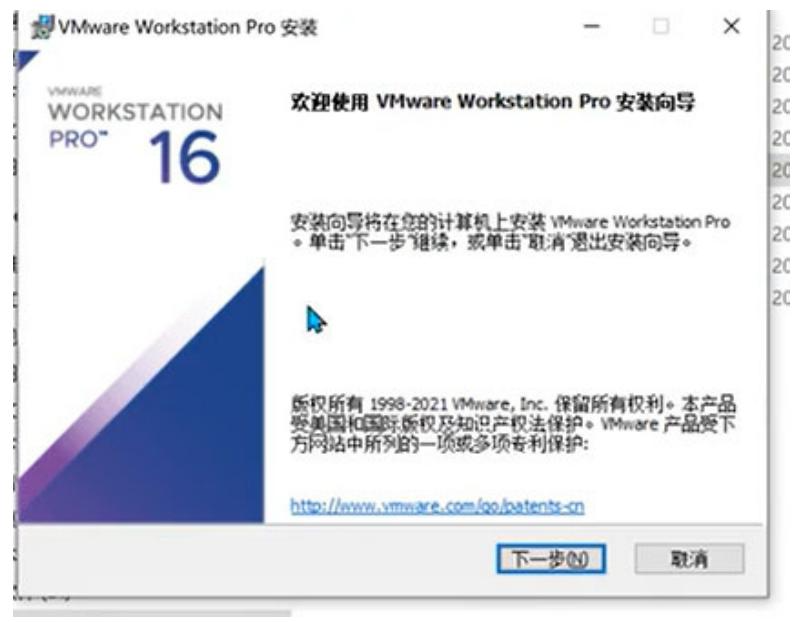
2. 接受许可,下一步
-
.custom-content-lock {
border: 1px solid #4158D0;
background: #f0f4ff;
padding: 22px;
margin: 25px 0;
border-radius: 10px;
text-align: center;
}
.custom-content-lock p {
margin: 0;
font-size: 19px !important;
line-height: 1.7;
color: #2d3794;
font-weight: 600;
}
.custom-content-lock a {
color: #4158D0;
text-decoration: underline;
font-weight: 700;
}
.custom-content-lock a:hover {
color: #222;
text-decoration: none;
}
🔐 此内容需登录后查看完整全文,请 登录账号 后浏览